
Inventory Management Software Development
Know exactly what you have, where it is and what it's worth.
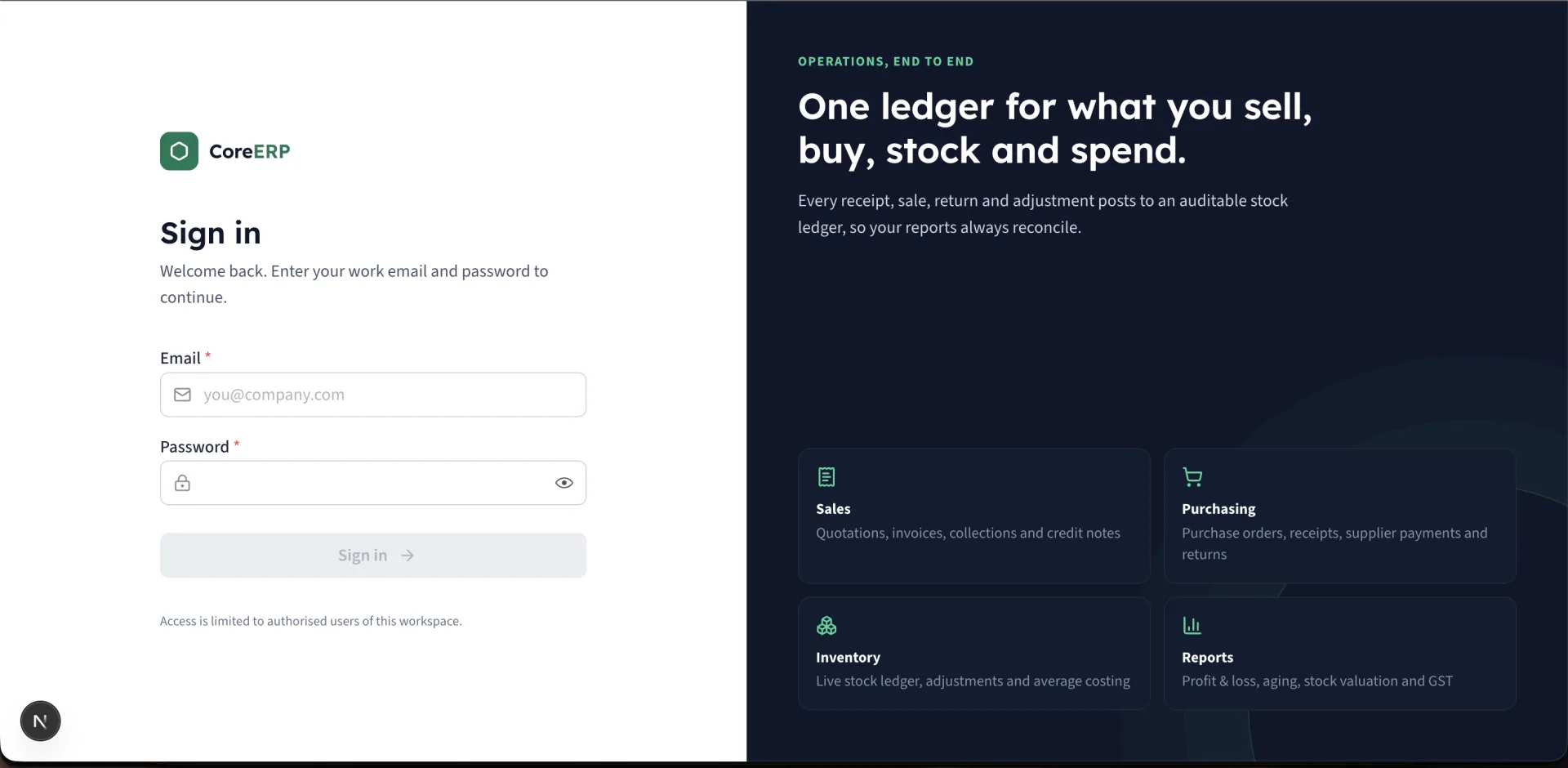
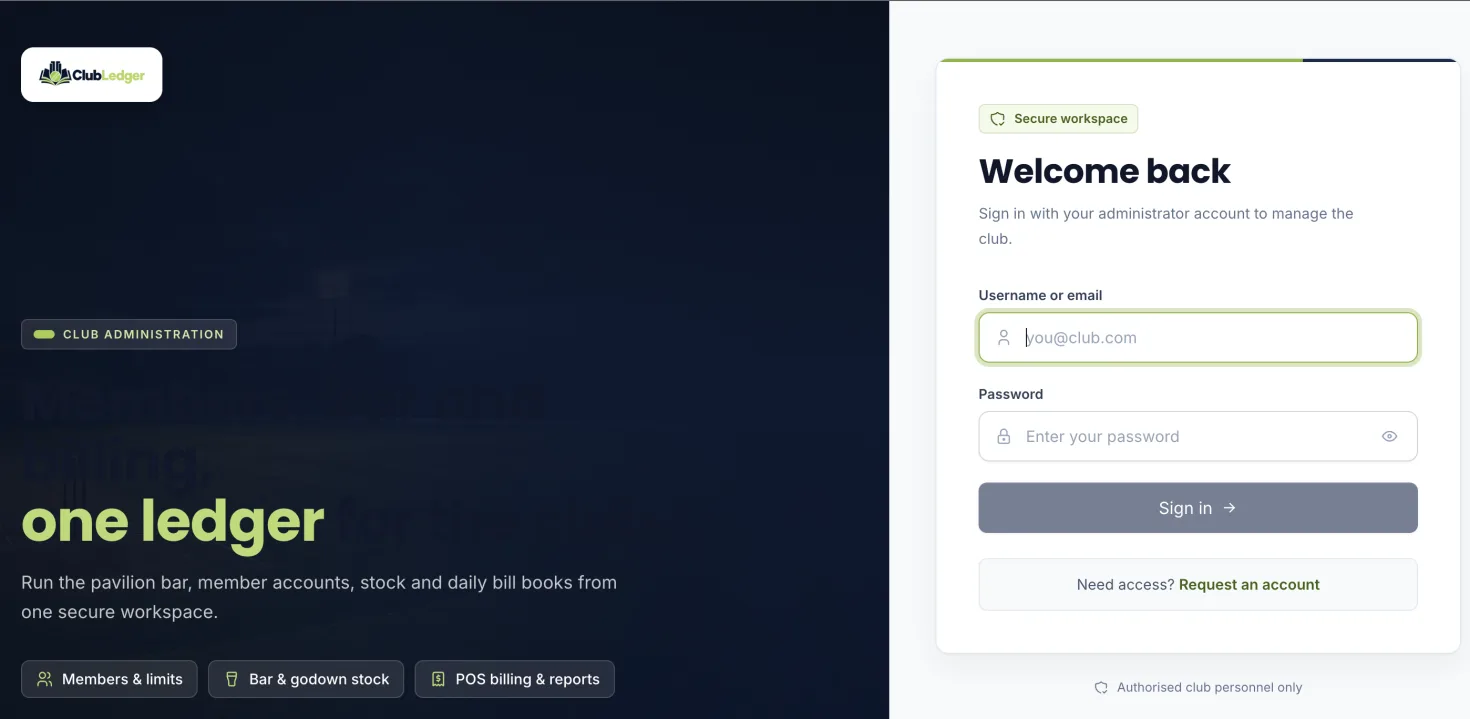
We build inventory systems where every quantity comes from an auditable movement ledger — receipts, sales, transfers, returns and adjustments — so stock on screen matches stock on the shelf. The same approach runs our own Core ERP and ClubLedger products.
Sound familiar?
- Stock on the system rarely matches a physical count
- Nobody can say who changed a quantity, or why
- You run out of fast-moving items and overstock slow ones
- Stock sits in several godowns, stores or bars with no single view
What it does
Typical modules.
Custom stock control with a full movement ledger, multiple locations, reorder alerts and valuation. Every module is shaped to your workflow — these are the building blocks we usually start from.
01
Items & catalogue
Items, categories, units, barcodes and HSN codes.
02
Movement ledger
Every inward and outward movement recorded and never silently edited.
03
Multiple locations
Godowns, stores or bars with transfers between them.
04
Reorder alerts
Reorder levels with low and out-of-stock warnings.
05
Adjustments & wastage
Physical counts, write-offs and wastage with reasons.
06
Valuation & reports
Weighted-average cost, stock valuation and movement reports.
Where it fits.
Retail & distribution
Stock tied to purchases and sales so it updates as you trade.
Clubs & bars
Godown-to-bar transfers, bottle and peg tracking and wastage — as in ClubLedger.
Restaurants
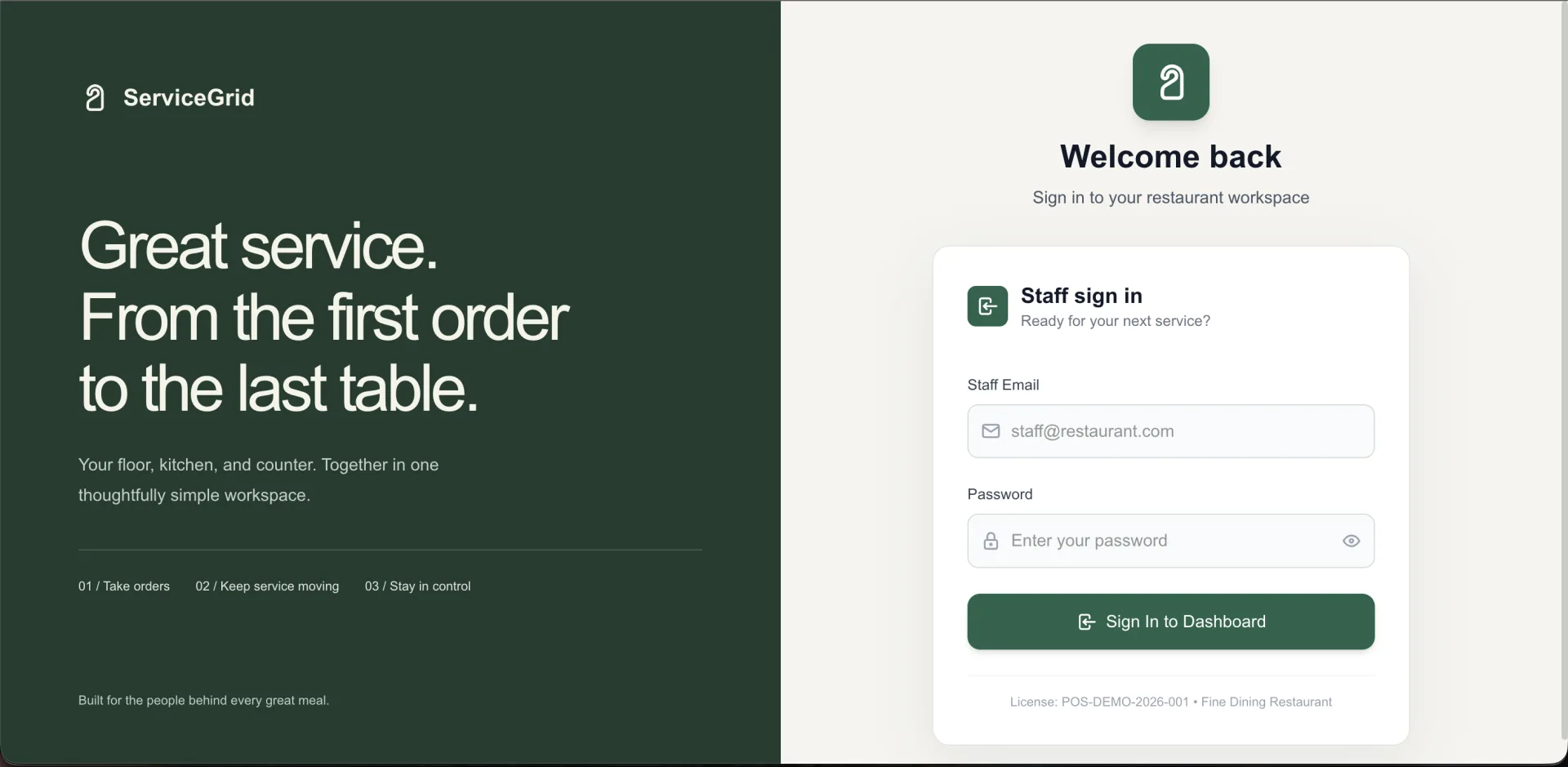
Ingredient stock and suppliers alongside orders — as in ServiceGrid.
Manufacturing & workshops
Raw material and finished goods across stores and sites.
Business benefits
Trustworthy numbers
Quantities are calculated from movements, so they can be audited.
Less dead stock
Reorder levels and movement reports show what sells and what sits.
Shrinkage you can see
Adjustments and wastage are recorded with a reason and a user.
How we build it
From workflow to working software.
You see and try the system at every stage. Nothing goes live until your team is trained and your data is checked.
Step 1
Workflow discovery
We map how the work happens today — people, documents, approvals and the exceptions — and agree what the first release must do.
Step 2
Clickable prototype
Your team tries the key screens before we build them, so changes are cheap.
Step 3
Build & import
Items, locations and opening stock imported and counted.
Step 4
Rollout & support
Data migration, role-based training, go-live support and ongoing improvements from the same team.
What you can customise
- Units & conversions
- Locations & transfer rules
- Costing method
- Barcode & label formats
- Approval for adjustments
- Links to billing and purchasing
Technologies
Chosen per project from the stack we use in delivered work.
- Next.js
- TypeScript
- Node.js
- PHP
- MySQL
Built on proven foundations
We run this kind of software ourselves.
These are our own products. Custom builds reuse their foundations where it helps — or you can start from the product and extend it.
Common questions
Can inventory connect to our billing and purchases?
Yes — that's where it is most useful. Sales reduce stock, receipts increase it, and returns reverse it, all through the same ledger.
Do you support multiple warehouses or stores?
Yes. Each location keeps its own quantities, with transfers recorded as movements between them.
Can we use barcodes?
Yes. Items can carry barcodes or SKUs for search and scanning; label formats are agreed during discovery.
Discuss your requirements
Tell us how your business works.
Describe the problem and the workflow behind it. We'll reply within one business day with questions, a recommended approach — custom, product or both — and next steps.
- A free discovery call
- An honest build-or-buy recommendation
- An itemised proposal with a timeline