
Business Process Automation
Stop doing by hand what software can do for you.
Not every problem needs a full ERP. Often the biggest win is automating one painful workflow — an approval chain, a document that's retyped three times, a report built every Monday. We find those steps and build focused software, integrations and dashboards that take them off your team's plate.
Sound familiar?
- The same data is typed into several systems
- Approvals wait in inboxes and WhatsApp chats
- Weekly reports are rebuilt by hand from exports
- Customers chase status updates your team has to look up
What it does
Typical modules.
Approvals, documents, notifications and integrations that remove repetitive manual work. Every module is shaped to your workflow — these are the building blocks we usually start from.
01
Workflow & approvals
Requests that move through defined steps with owners and deadlines.
02
Document generation
Quotes, certificates, letters and reports produced from data.
03
Notifications
Email and message alerts when something needs attention.
04
Integrations & APIs
Payments, messaging, maps and third-party systems connected.
05
Dashboards
Live queues and figures instead of weekly spreadsheets.
06
Portals
Customers or staff self-serve status, requests and downloads.
Where it fits.
Approvals
Leave, purchase, certificate and expense approvals — as in EduServe's workflows.
Operations
Orders and service requests tracked from intake to completion.
Finance
Invoices, reminders and reconciliations generated automatically.
Customer service
Bookings, status updates and payments without phone calls.
Business benefits
Hours back every week
Repetitive steps run automatically.
Nothing stuck
Every request has an owner, a status and a deadline.
Start small
Automate one workflow, prove the value, then extend.
How we build it
From workflow to working software.
You see and try the system at every stage. Nothing goes live until your team is trained and your data is checked.
Step 1
Process audit
We look for the steps that repeat, wait or get retyped — and estimate what automating each would save.
Step 2
Clickable prototype
Your team tries the key screens before we build them, so changes are cheap.
Step 3
Build & integrate
Focused software and integrations with the tools you already use.
Step 4
Rollout & support
Data migration, role-based training, go-live support and ongoing improvements from the same team.
What you can customise
- Workflow steps & owners
- Document templates
- Notification rules
- Integrations
- Dashboards
- User portals
Technologies
Chosen per project from the stack we use in delivered work.
- Next.js
- TypeScript
- Node.js
- PHP
- MySQL
- WhatsApp Business API
- REST APIs
Built on proven foundations
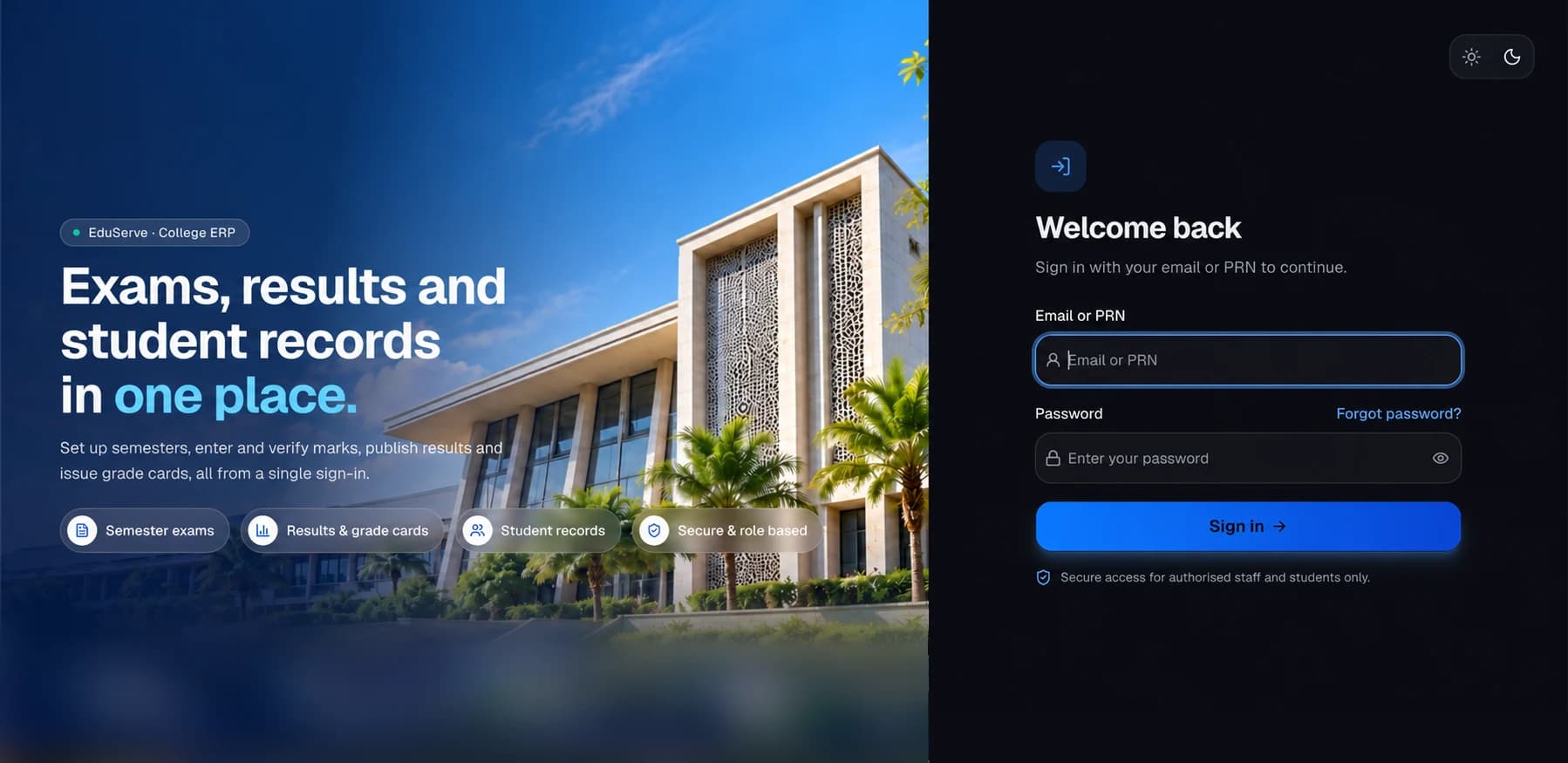
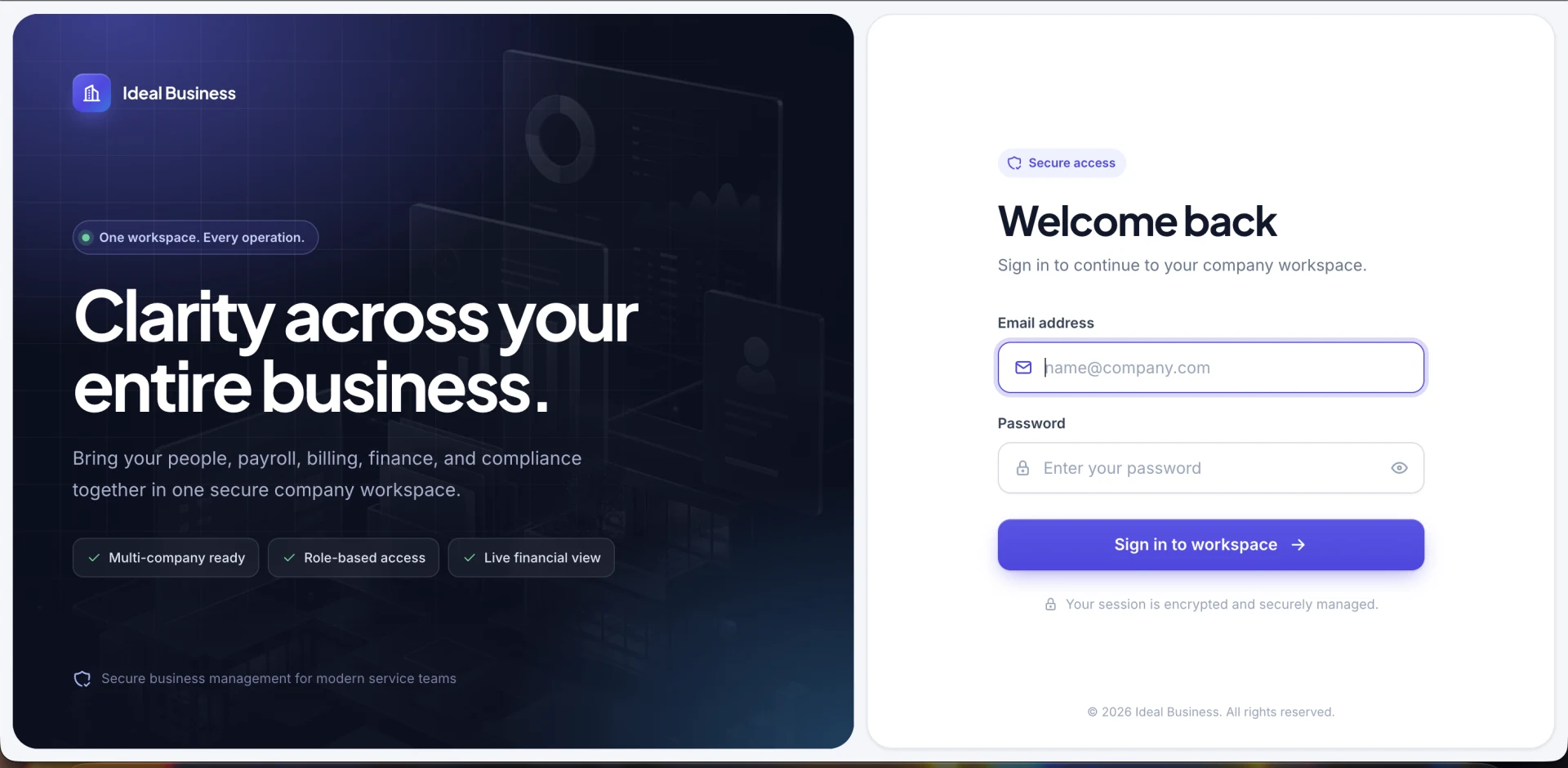
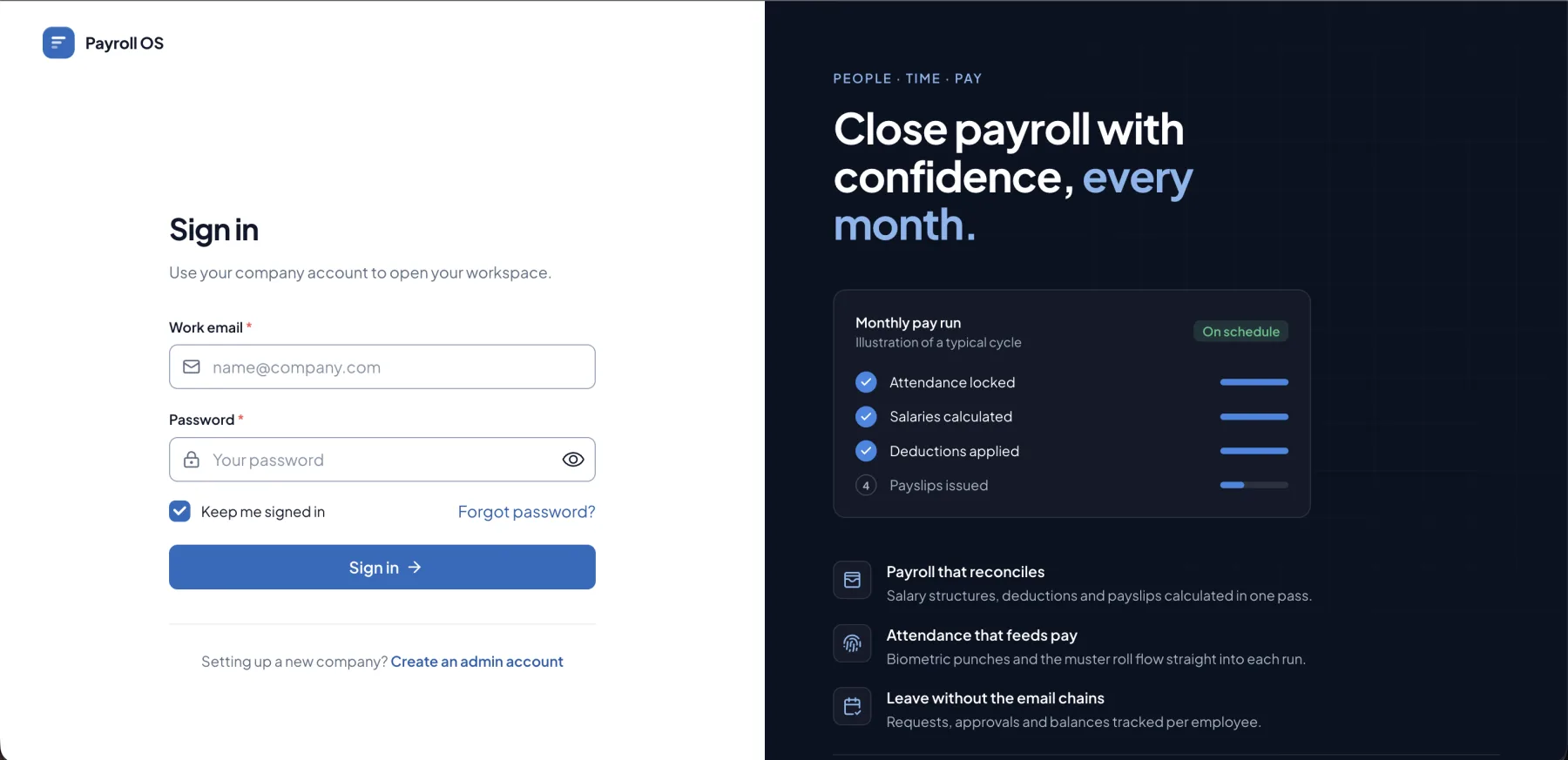
We run this kind of software ourselves.
These are our own products. Custom builds reuse their foundations where it helps — or you can start from the product and extend it.
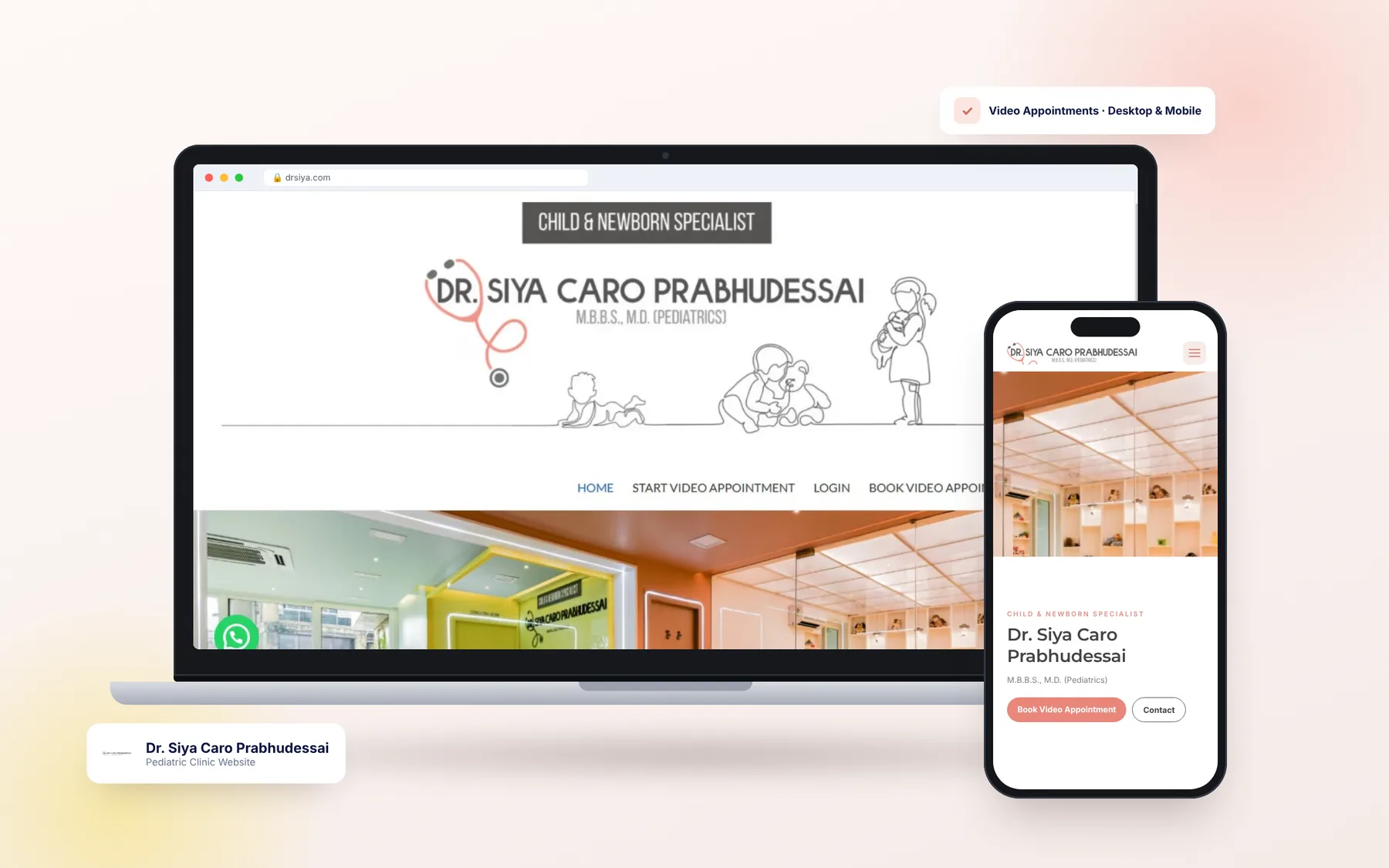
Related client work
Delivered for clients.
Common questions
Do we need a full ERP to automate our processes?
No. Many businesses get the most value by automating one or two workflows first. We'll recommend the smallest useful step.
Can you connect the tools we already use?
Usually. We regularly connect payment gateways, WhatsApp, email, maps and video APIs, and can work with any service that has a documented API.
How do you decide what to automate first?
We start with a process audit and rank steps by time spent, error rate and how often they block other work.
Discuss your requirements
Tell us how your business works.
Describe the problem and the workflow behind it. We'll reply within one business day with questions, a recommended approach — custom, product or both — and next steps.
- A free discovery call
- An honest build-or-buy recommendation
- An itemised proposal with a timeline