
Restaurant Management System
Run Your Restaurant Smarter
- modules in one workspace
- 12
- industries served
- 4
- Faster Service
- Better Insights
- Streamline Operations
- Happier Customers
Overview
Good Food, Better Business
A complete restaurant operations platform for POS, table service, kitchen, inventory, staff and business reporting. Ideal for restaurants, cafes, cloud kitchens and food courts.
Save Time
Faster order processing and billing.
Increase Revenue
Better table utilization and insights.
Reduce Errors
Streamlined kitchen and inventory control.
Deliver Great Experience
Smooth operations for happier customers.
Highlights
Get the highlights.
01 / 05
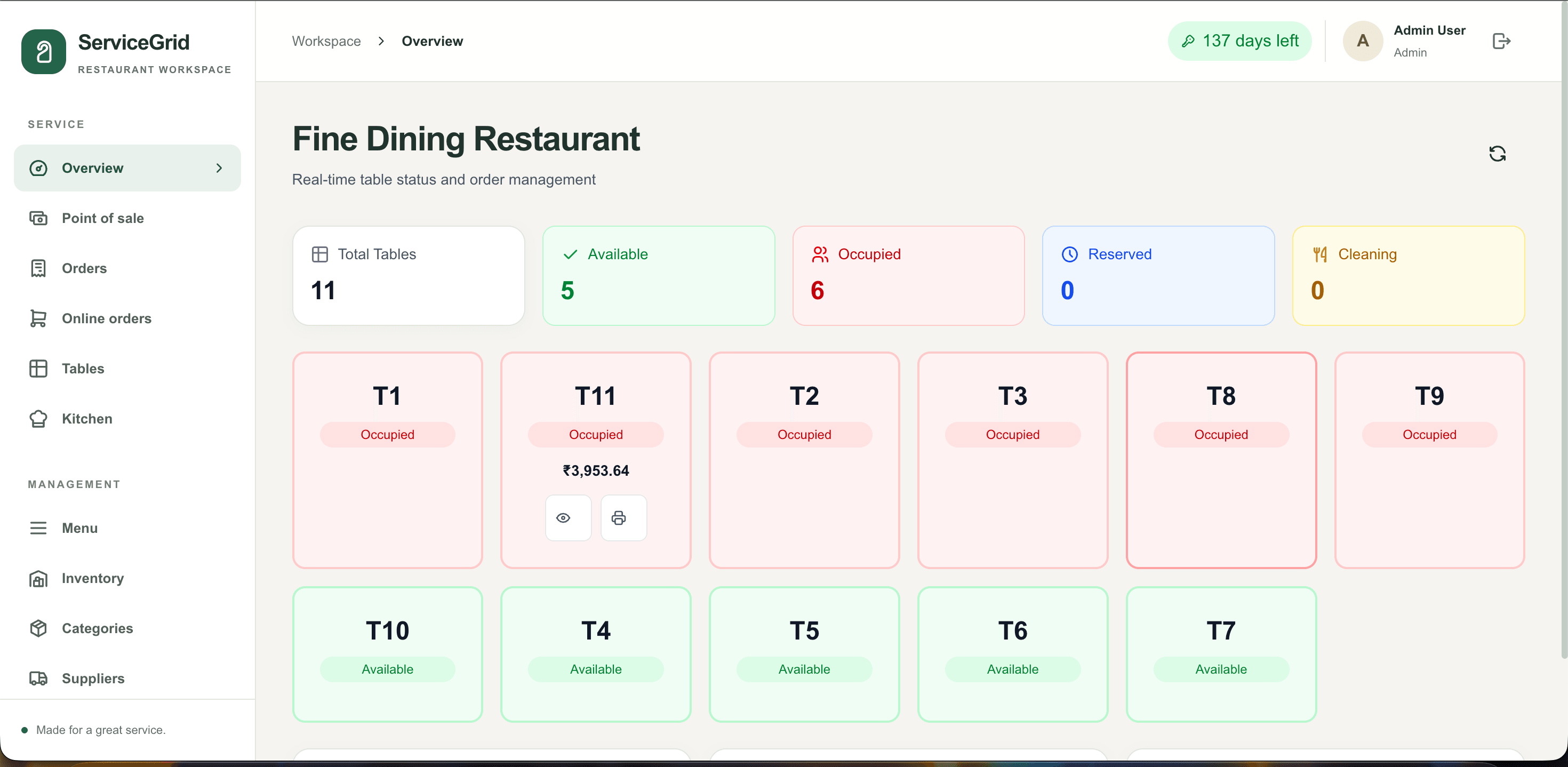
See the whole service at a glance
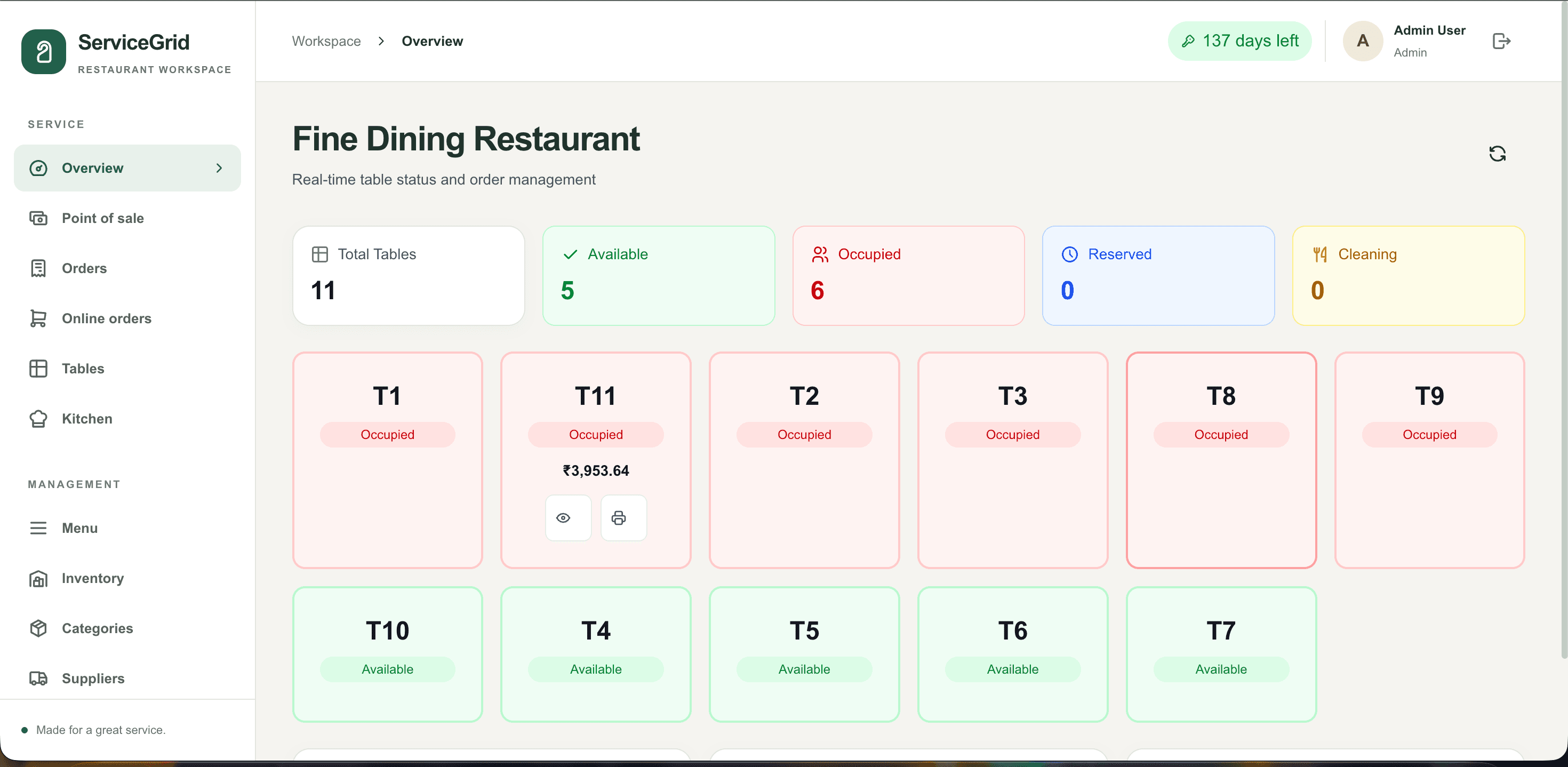
Table occupancy and the day's live service data sit together, giving managers a quick read on the floor and the work in progress.
- Overview
- Table status
- Live orders
02 / 05
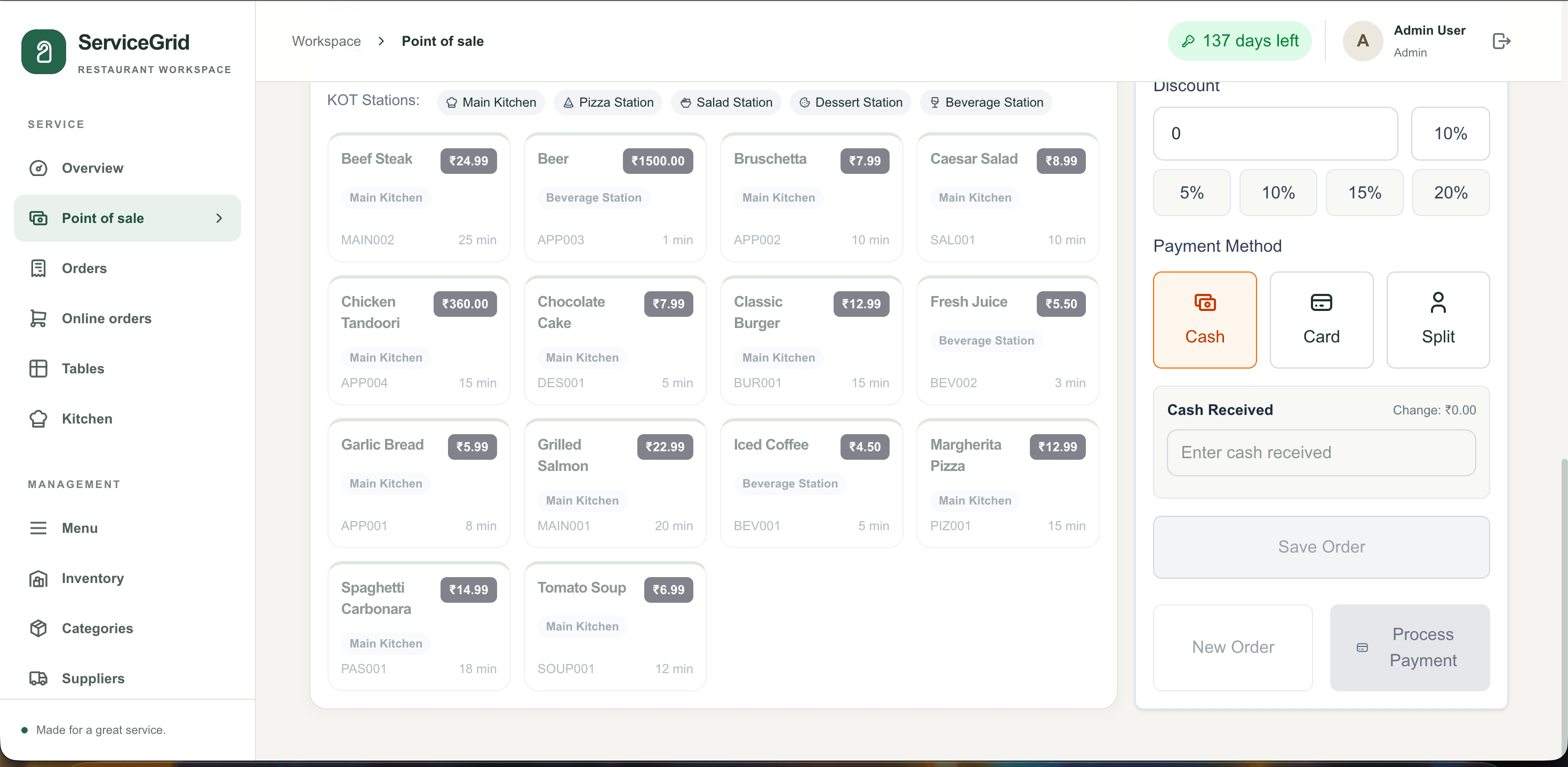
Take an order from table to till
Choose a table or service type, add items and kitchen notes, then move from the running order to payment and a printed receipt.
- Dine-in, takeaway & delivery
- Order summary
- Cash, card & split payments
03 / 05
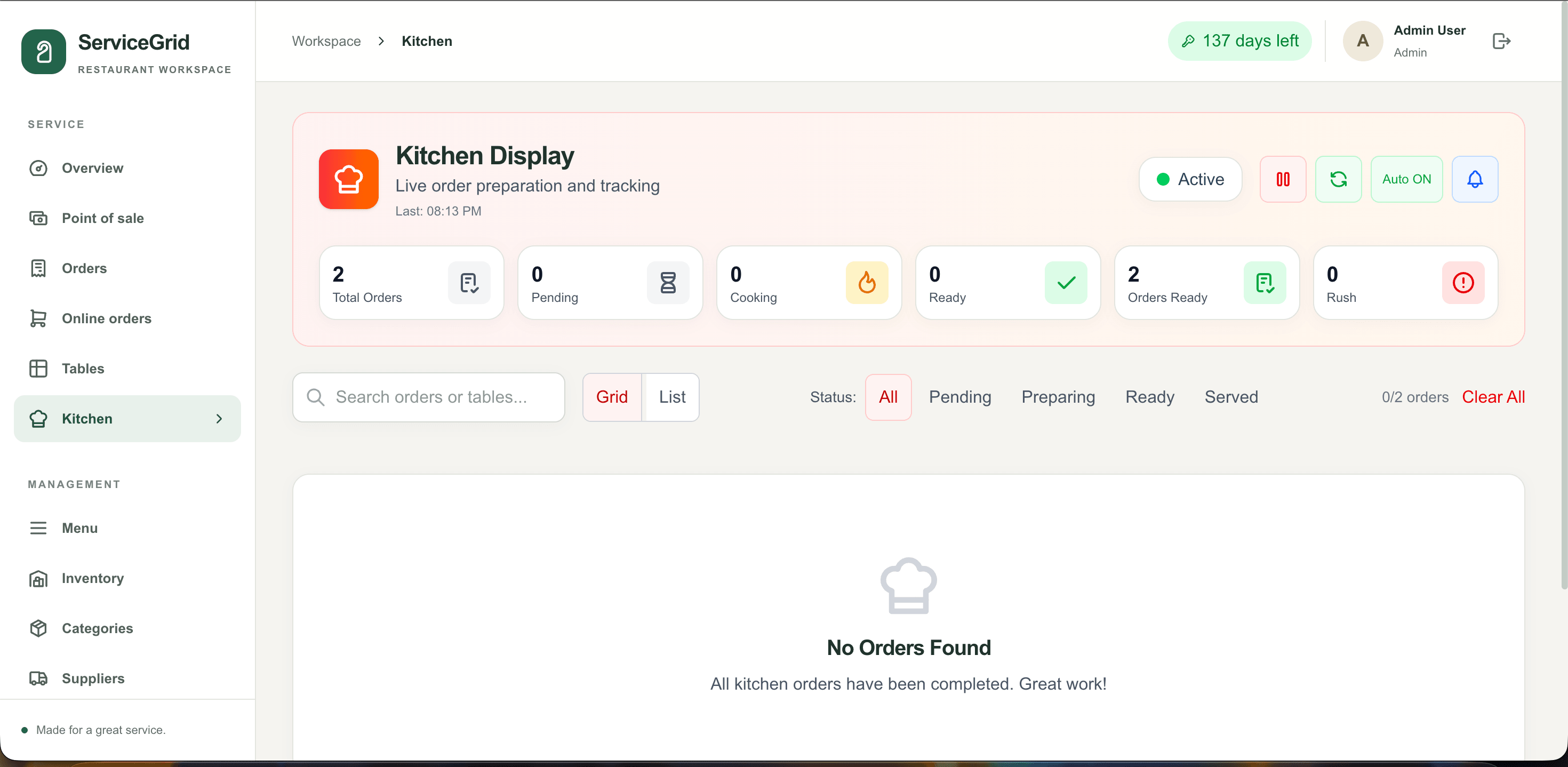
Keep every order moving
Front-of-house, online orders and the kitchen share one order flow, with status and station details visible to the team.
- Order management
- Online orders
- Kitchen display
04 / 05
Keep menu and supplies organised
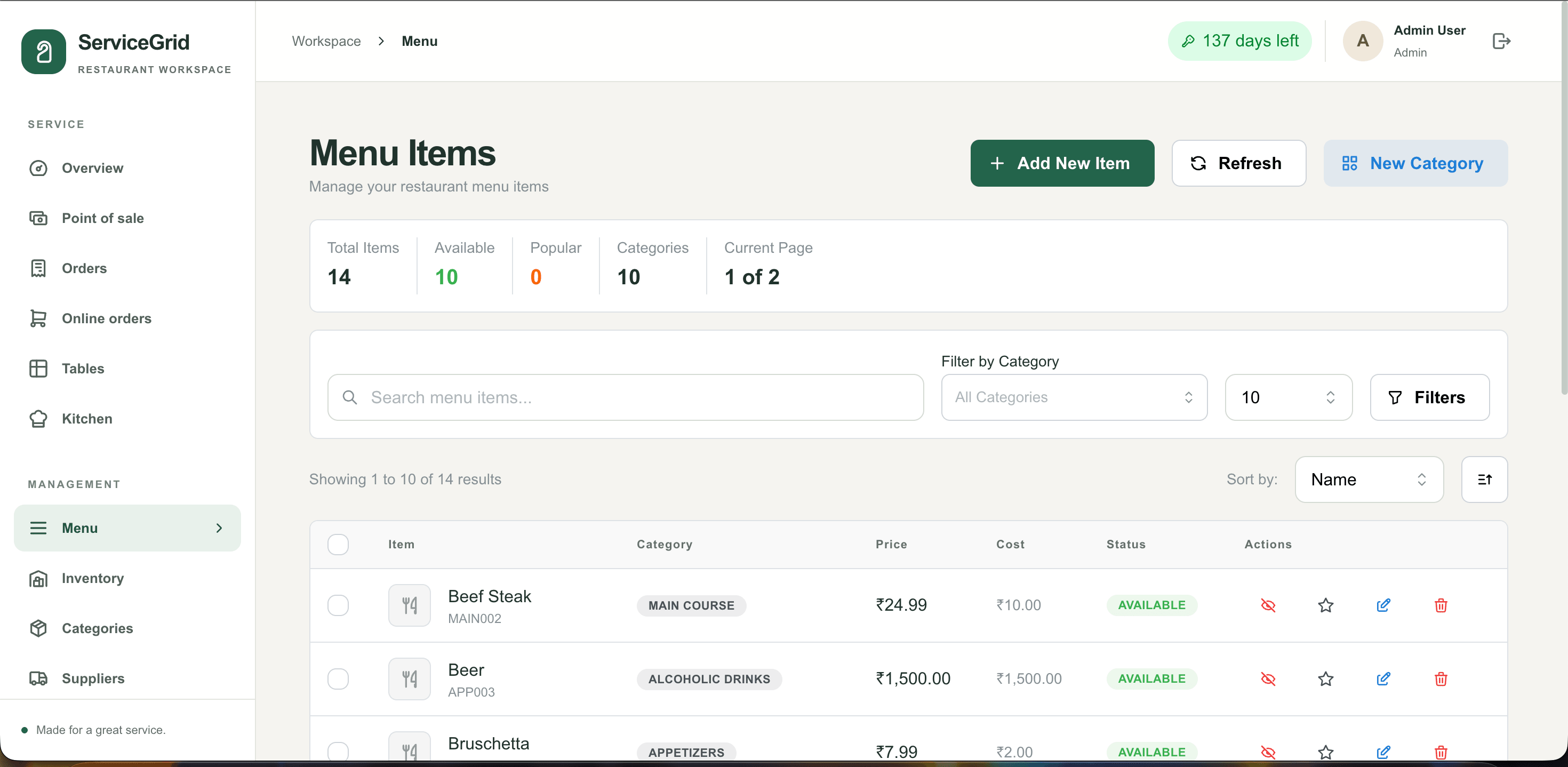
Maintain prices, availability, stock, categories and suppliers from the same workspace.
- Menu
- Inventory
- Suppliers & categories
05 / 05
Close with a clear picture
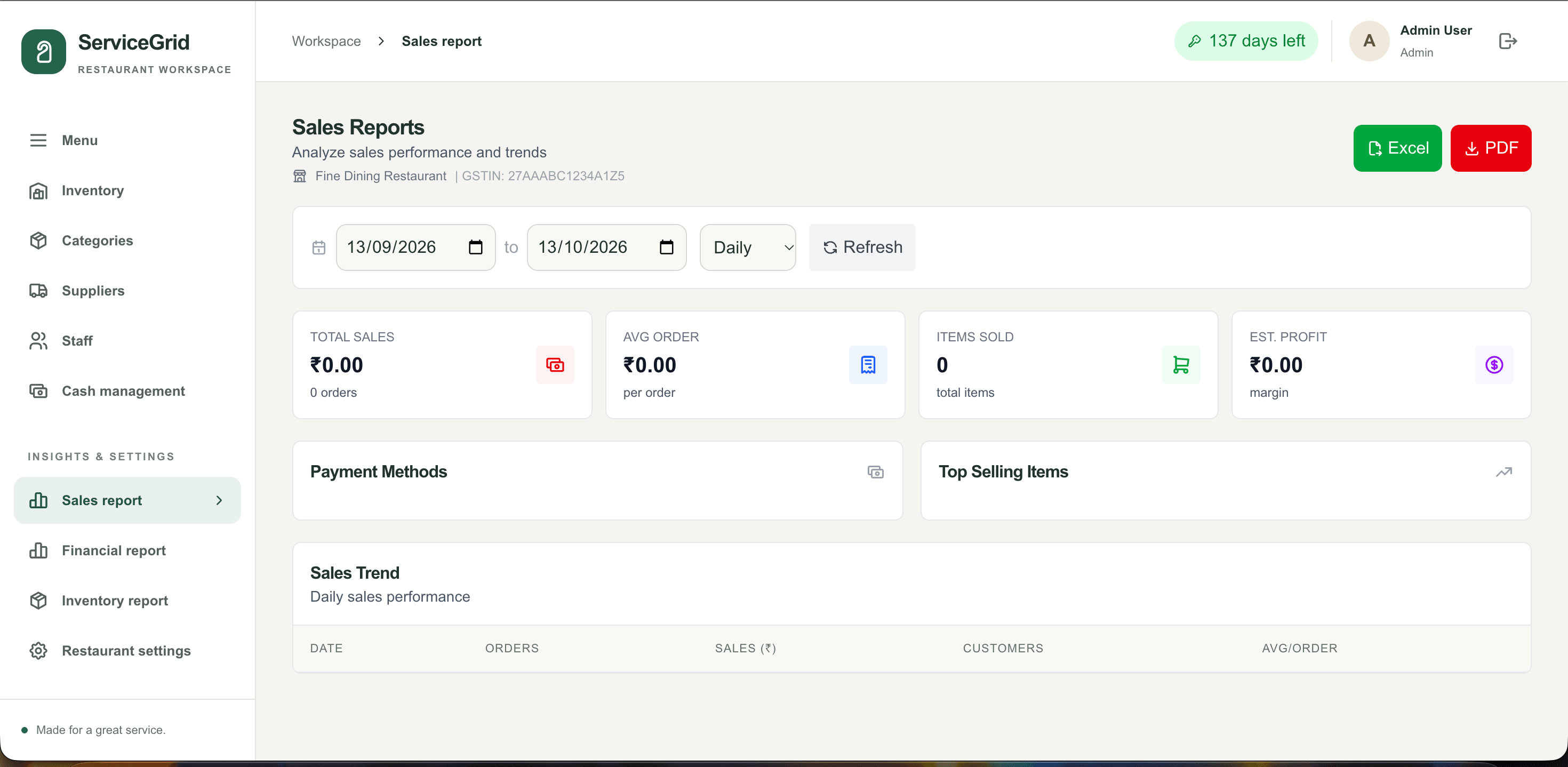
Review sales, payments and operating settings, then export the reports the restaurant needs.
- Cash management
- Sales & financial reports
- Restaurant settings
01
See the whole service at a glance
Table occupancy and the day's live service data sit together, giving managers a quick read on the floor and the work in progress.
- Overview
- Table status
- Live orders
02
Take an order from table to till
Choose a table or service type, add items and kitchen notes, then move from the running order to payment and a printed receipt.
- Dine-in, takeaway & delivery
- Order summary
- Cash, card & split payments
03
Keep every order moving
Front-of-house, online orders and the kitchen share one order flow, with status and station details visible to the team.
- Order management
- Online orders
- Kitchen display
04
Keep menu and supplies organised
Maintain prices, availability, stock, categories and suppliers from the same workspace.
- Menu
- Inventory
- Suppliers & categories
05
Close with a clear picture
Review sales, payments and operating settings, then export the reports the restaurant needs.
- Cash management
- Sales & financial reports
- Restaurant settings
Guided demo · sample data
Try ServiceGrid yourself.
Click through ServiceGrid one step at a time, on real screens with sample data.
Step 1 of 5
See the whole service at a glance
Table occupancy and the day's live service data sit together, giving managers a quick read on the floor and the work in progress.
- Overview
- Table status
- Live orders
Target industries
- Restaurants
- Cafés
- Cloud kitchens
- Food courts
Integrations & exports
- Zomato & Swiggy (setup guidance)
- Receipt printers
- PDF & Excel export
Need another system connected? We build custom integrations as part of implementation.
See ServiceGrid run your business.
- 01
A guided demo
ServiceGrid with sample data, focused on the workflows your team runs every day.
- 02
Shaped to you
We built ServiceGrid, so we can configure it for your workflows or extend it with the modules you need.
- 03
Clear pricing
Licensing depends on the modules, users and deployment you need, and is shared during the demo.
Common questions
How can I see ServiceGrid before buying?
Request a demo and we'll walk you through ServiceGrid with sample data, focused on the workflows your team runs every day.
Can ServiceGrid be customised for our business?
Yes. Create My Site builds ServiceGrid, so we can configure it for your workflows or extend it with the modules you need.
How is pricing structured?
Pricing and licensing depend on the modules, number of users and deployment you need, and are shared during the demo.
Request a demo
See ServiceGrid with your workflows.
A guided walkthrough with sample data, tailored to how your team works. Pricing and licensing are shared during the demo.
Related products
Explore the product line.
Business ERP
BizCore
A powerful multi-company ERP for people, clients, billing, compliance, payroll, expenses, purchases, finance and more.
Business Management
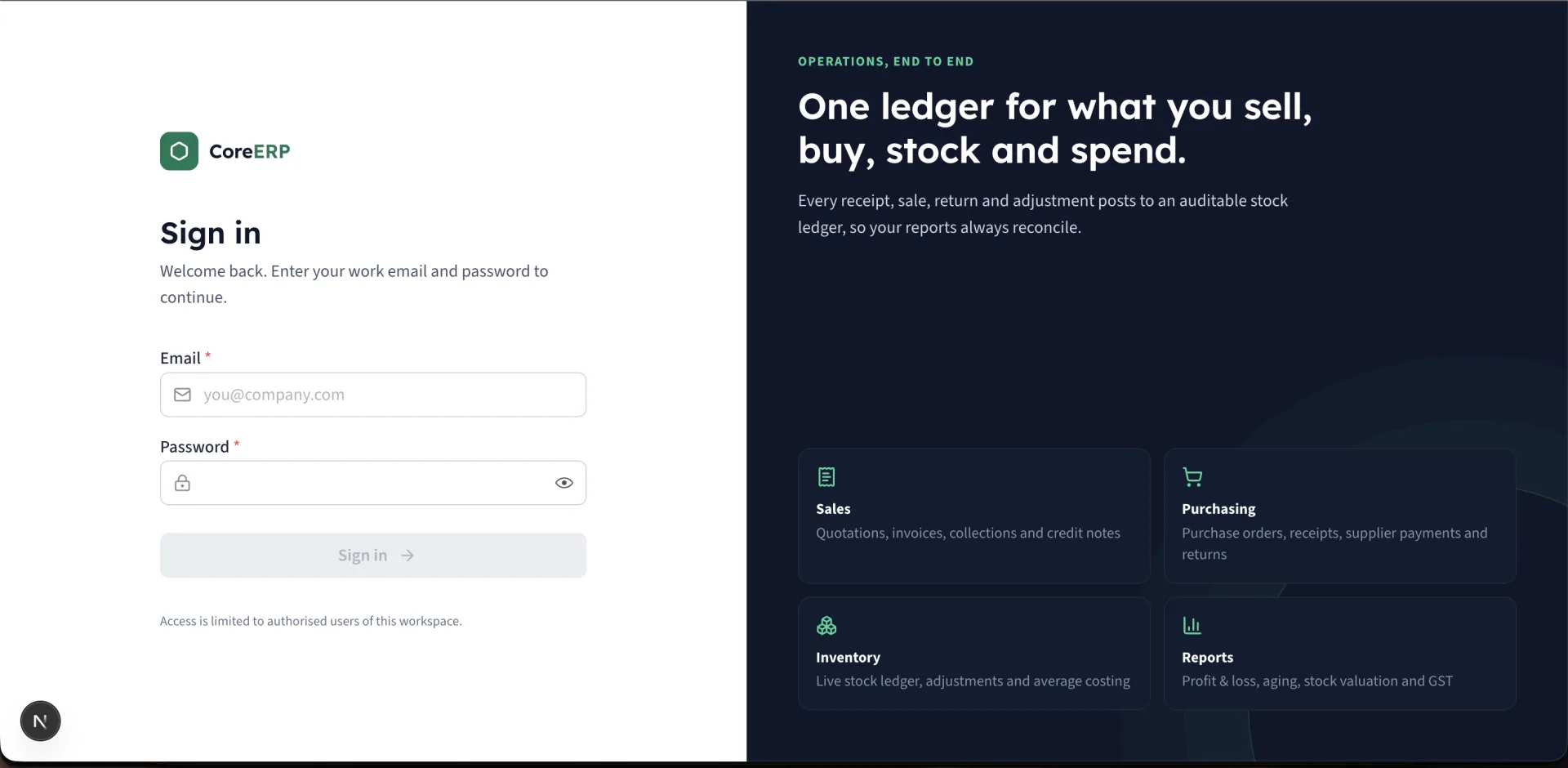
Core ERP
Manage customers, inventory, purchases, quotations, sales, expenses and more — all in one powerful, easy-to-use platform.
HR & Payroll
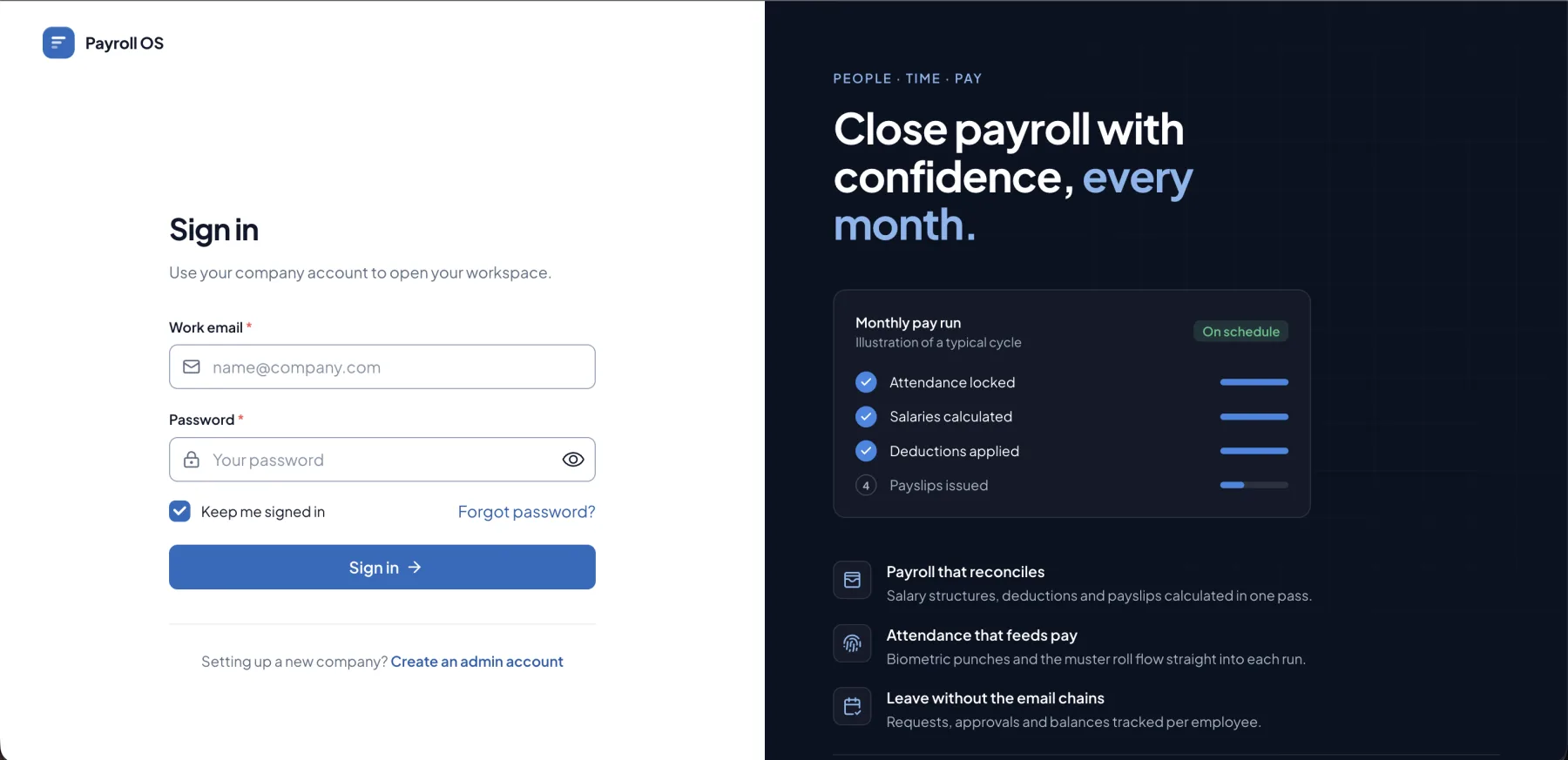
PayroNext
Keep every employee record, attendance mark, leave request and salary structure in one place, then run the month's payroll and send payslips in a few clicks.