
Construction Management Software Development
Every site, crew and rupee accounted for.
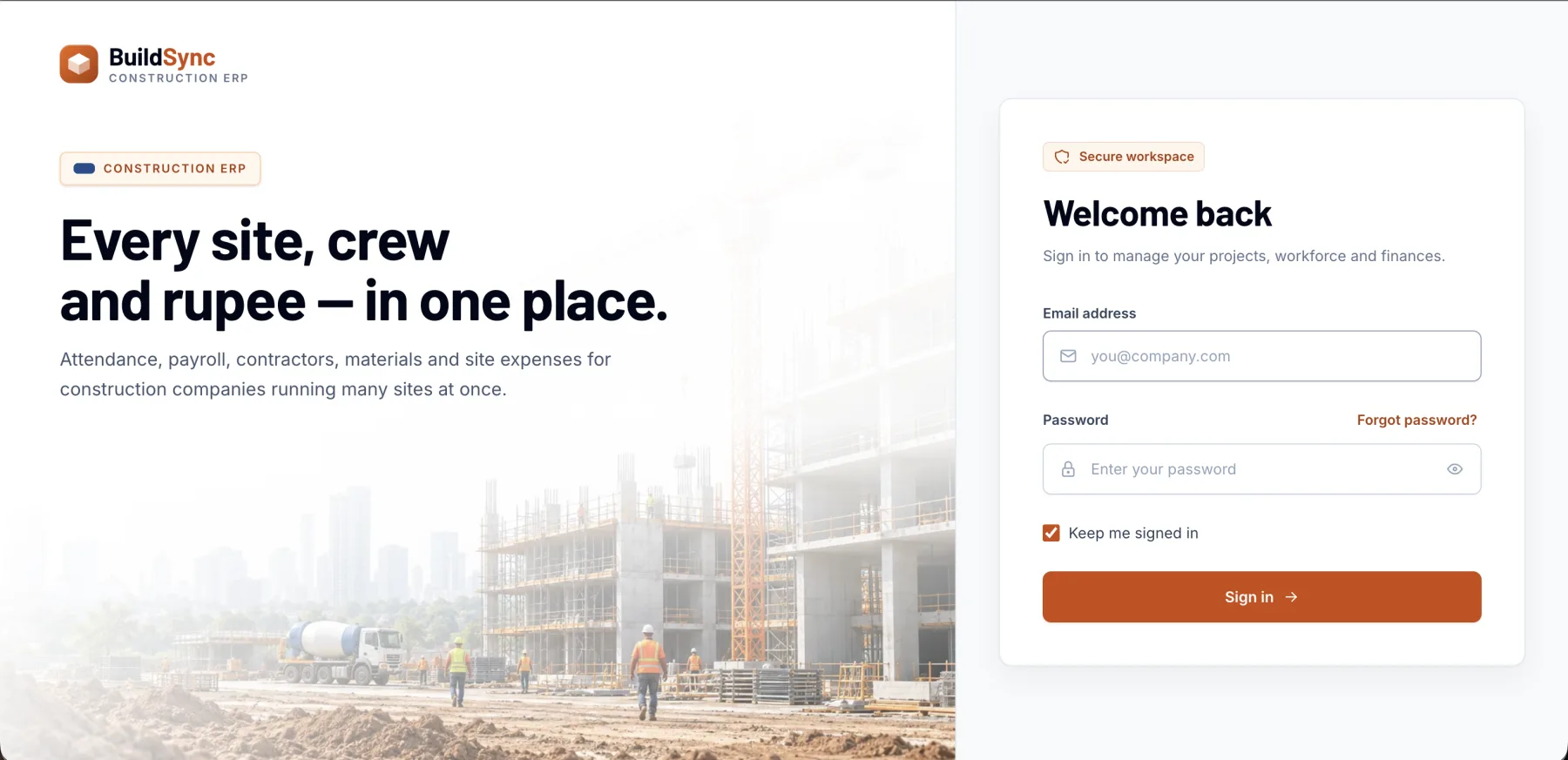
Construction work happens across sites, crews and contractors that office software was never built for. We build construction management systems around that reality — and our own construction ERP, BuildSync, runs projects, workforce, payroll, purchasing and contractor work orders on the same foundations.
Sound familiar?
- Site attendance and daily wages are tracked in notebooks
- Material purchases aren't tied to the project that used them
- Contractor bills and advances are hard to reconcile
- Head office can't see what's happening on site today
What it does
Typical modules.
Projects, sites, labour, attendance, wages, materials and contractor bills in one system. Every module is shaped to your workflow — these are the building blocks we usually start from.
01
Projects & sites
Projects, sites and the people assigned to each.
02
Workforce & attendance
Workers, site attendance and muster.
03
Wages & payroll
Payroll, payslips, advances and recoveries.
04
Purchasing & materials
Material requests, purchases and suppliers by project.
05
Contractors & work orders
Work orders, bills and payments to contractors.
06
Expenses & dashboards
Site expenses, vouchers and alerts for head office.
Where it fits.
Construction companies
Several active sites with their own crews and costs.
Contractors
Labour, wages and work orders across client projects.
Real-estate developers
Projects from enquiry to execution, with costs per project.
Infrastructure firms
Large workforces with advances and recoveries.
Business benefits
Cost per project
Labour, materials and expenses add up per site.
Fair, fast wages
Attendance flows into payroll without re-entry.
Head-office visibility
See every site's progress and spending without phone calls.
How we build it
From workflow to working software.
You see and try the system at every stage. Nothing goes live until your team is trained and your data is checked.
Step 1
Workflow discovery
We map how the work happens today — people, documents, approvals and the exceptions — and agree what the first release must do.
Step 2
Site walkthrough
We look at how attendance, materials and approvals actually work on site.
Step 3
Clickable prototype
Your team tries the key screens before we build them, so changes are cheap.
Step 4
Rollout & support
Data migration, role-based training, go-live support and ongoing improvements from the same team.
What you can customise
- Wage rules
- Project cost codes
- Approval levels
- Contractor billing terms
- Site roles
- Reports for clients and partners
Technologies
Chosen per project from the stack we use in delivered work.
- Next.js
- TypeScript
- Node.js
- MySQL
- OpenAPI
Built on proven foundations
We run this kind of software ourselves.
These are our own products. Custom builds reuse their foundations where it helps — or you can start from the product and extend it.
Related client work
Delivered for clients.

Common questions
Should we use BuildSync or build custom?
If your sites, crews and contractors follow common patterns, BuildSync is faster to adopt and can be configured. Custom development suits unusual contracts, wage rules or integrations.
Can site staff use it on their phones?
Yes. Interfaces are responsive, so supervisors can mark attendance and record expenses from site.
Do you build websites for developers too?
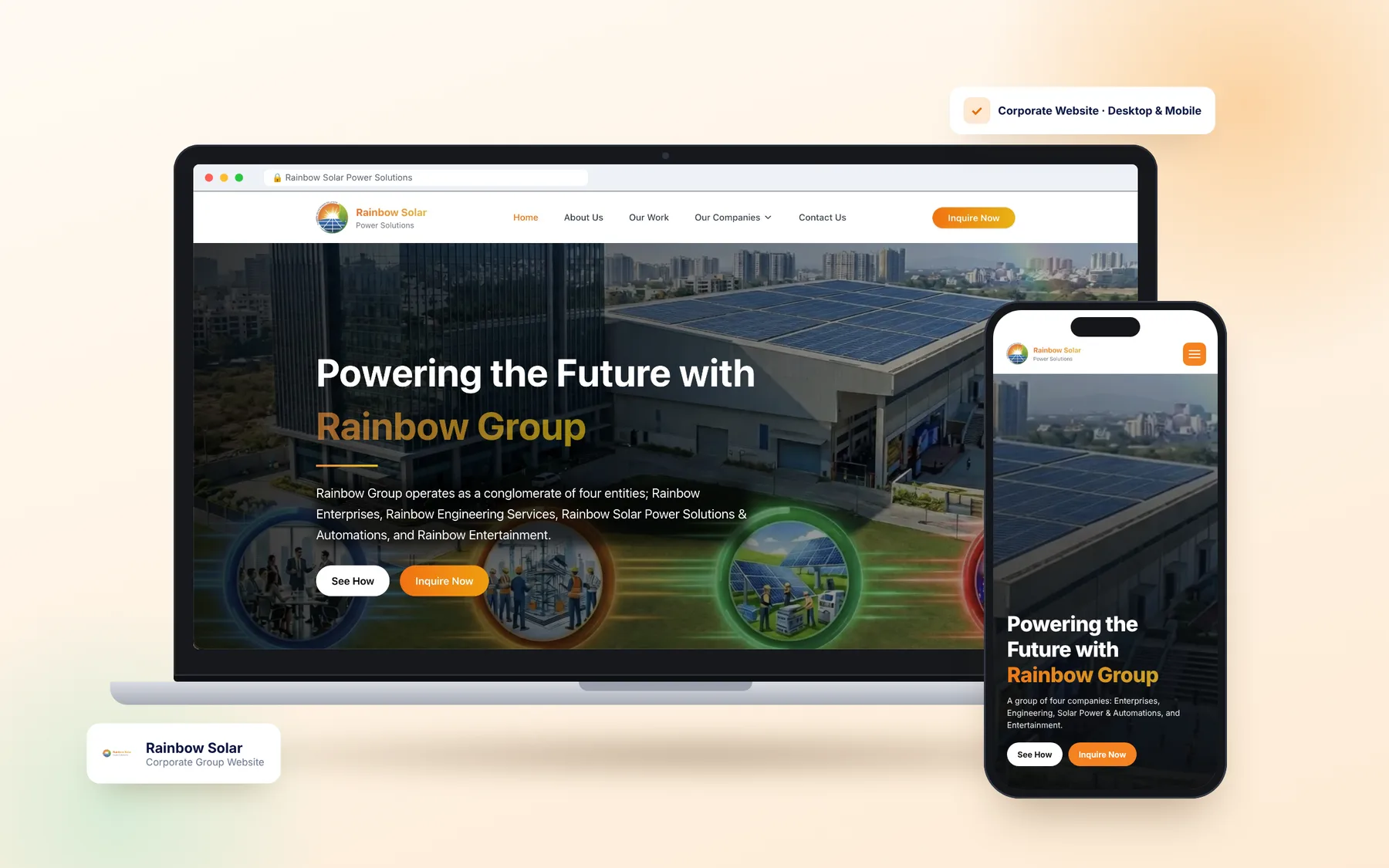
Yes. We've built websites for SUA Developers and Rainbow Group, and can connect project listings and enquiries to the system.
Discuss your requirements
Tell us how your business works.
Describe the problem and the workflow behind it. We'll reply within one business day with questions, a recommended approach — custom, product or both — and next steps.
- A free discovery call
- An honest build-or-buy recommendation
- An itemised proposal with a timeline